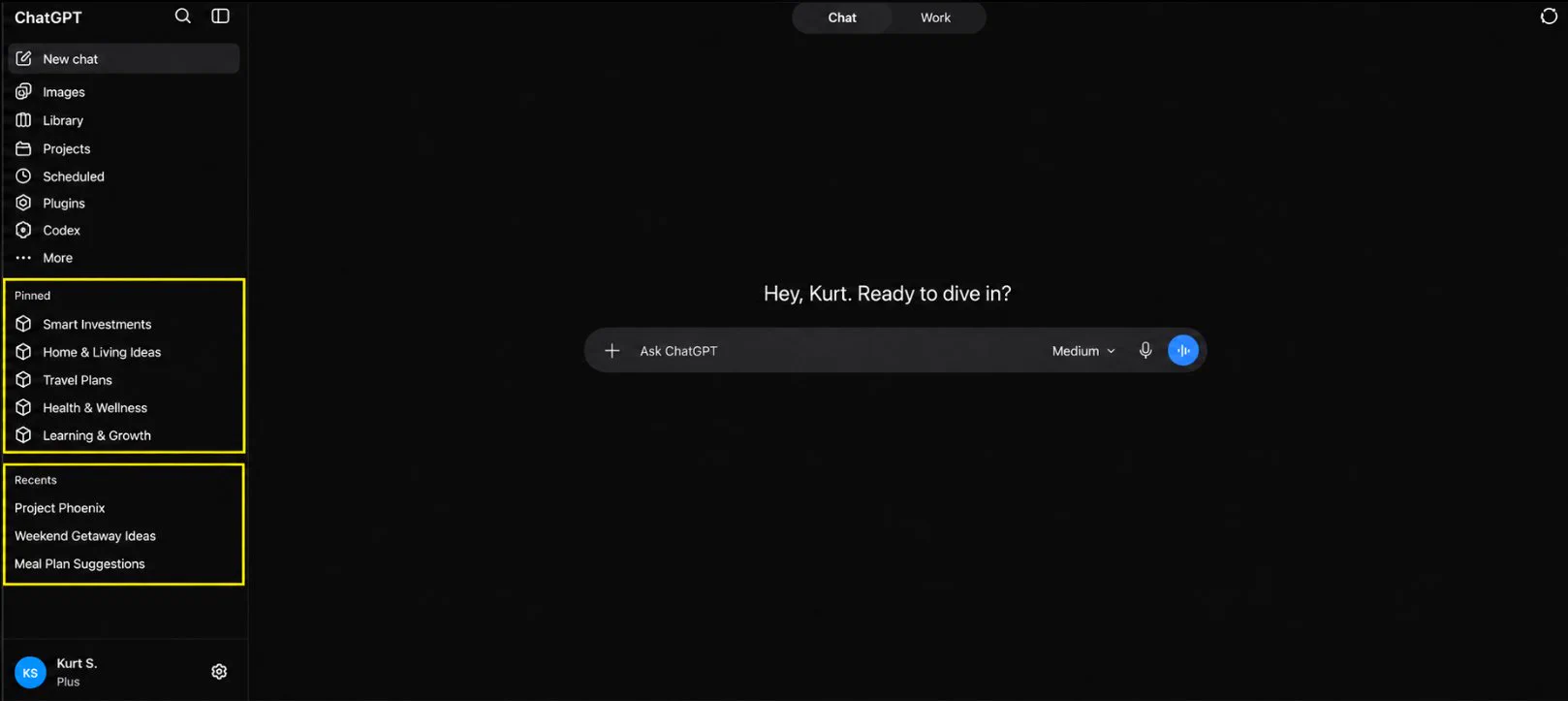
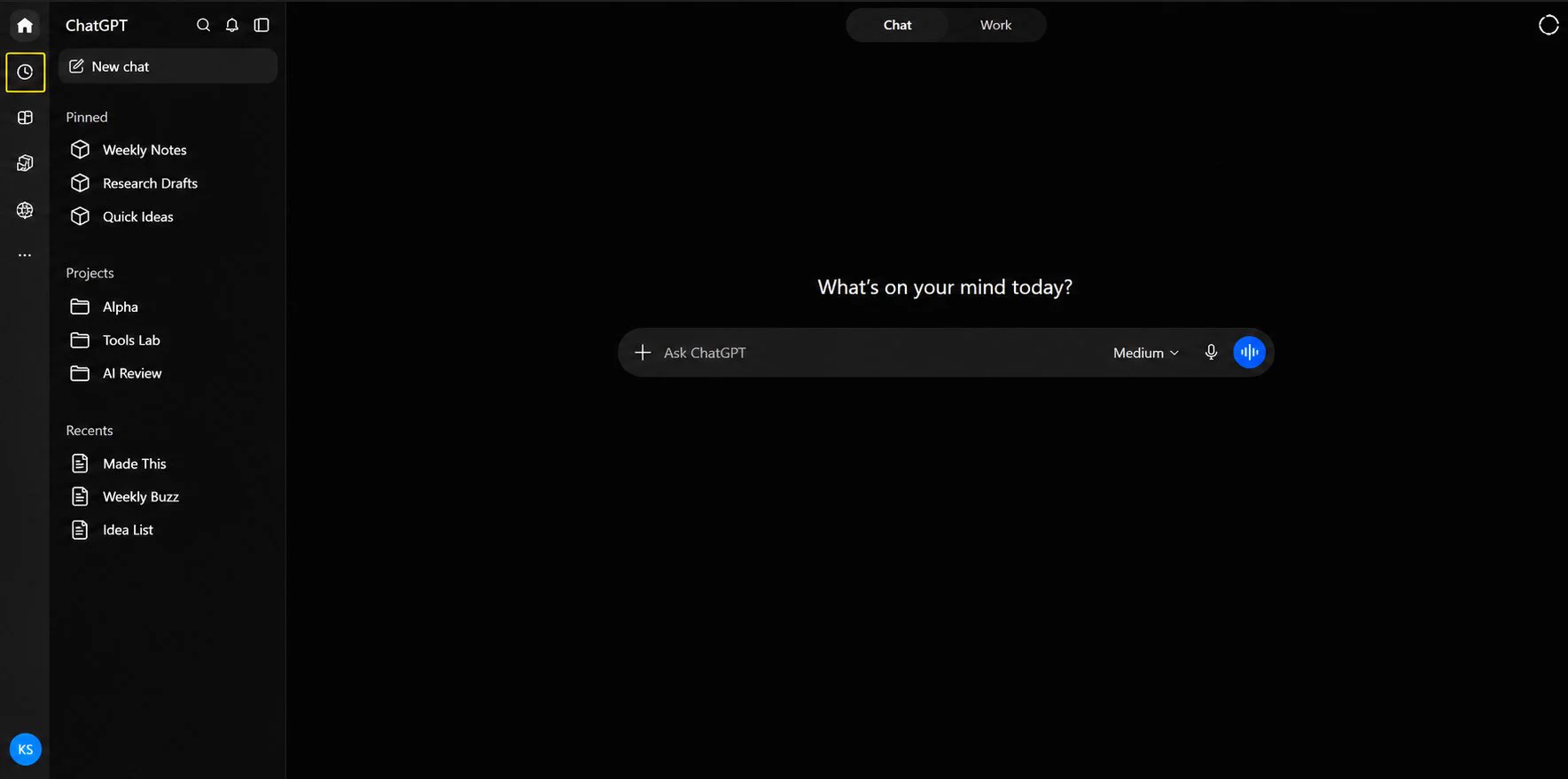
These two help you find old chats faster.
#Pinned is for conversations you want easy access to. #Recents shows what you've opened lately.
Keep coming back to a chat? Pin it. Just need to find something from earlier? Check Recents first.
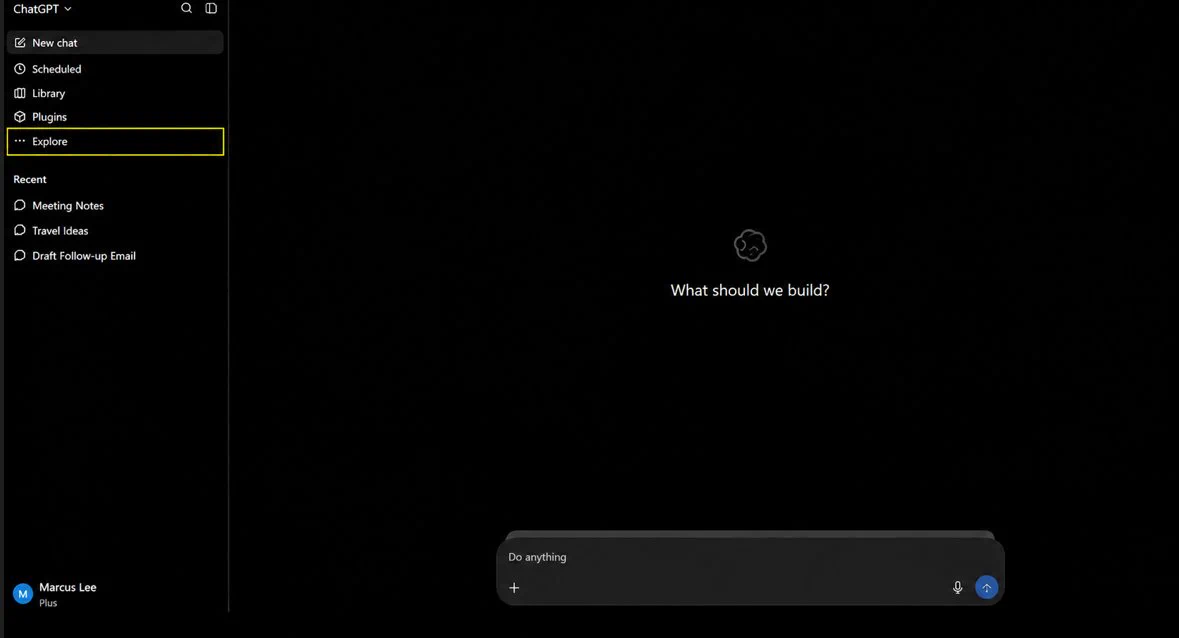
If you need something beyond the usual chat window, Explore is where ChatGPT keeps extras beyond the regular chat.
#GPTs are custom versions of ChatGPT built for a specific purpose.
#Sites is for creating websites.
#Maps lets you work with places more visually.
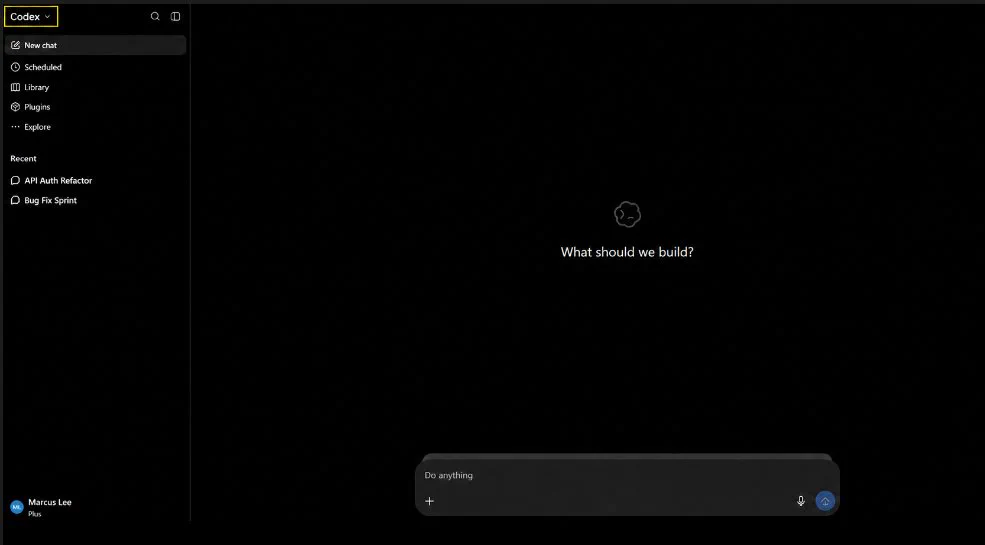
#Codex is the coding side of ChatGPT. Writing code, fixing bugs, reviewing changes, and working with software projects.
It connects to repositories, folders, and terminals, tools developers already use.
It is where you go when the task is really about building with code.
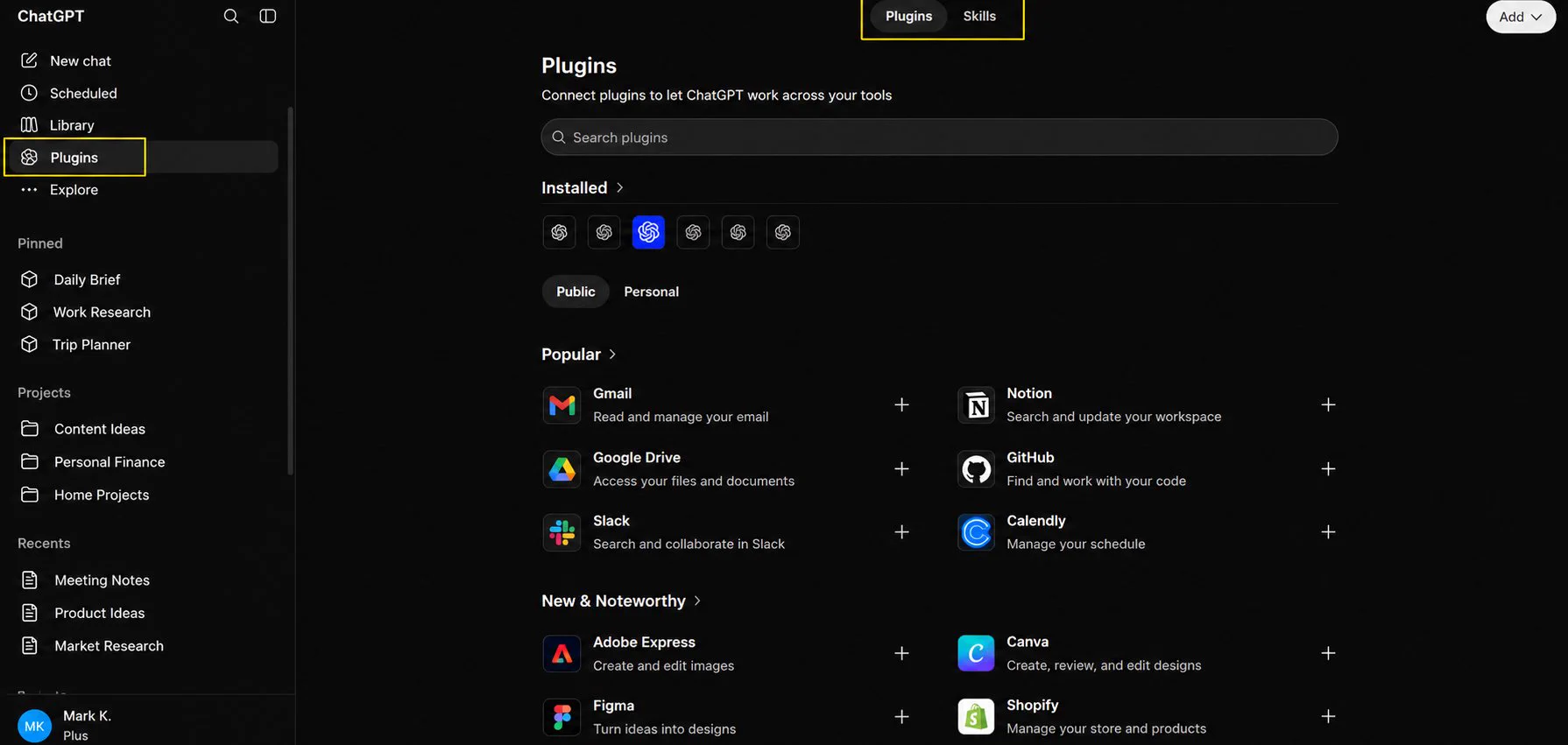
#Plugins are extra tools you can add to ChatGPT. Some connect it to other apps, others include Skills.
#Skills are reusable instructions so ChatGPT already knows the steps for a task without you explaining it every time.
May look different depending on your plan.
ChatGPT's dashboard changes quite a bit, so some buttons may look different on your end.
#Scheduled is where tasks you've set up live. Reminders, recurring tasks, or things you've asked ChatGPT to check on. You can see when each runs next, and pause, edit, or delete anytime.